What to do when an application date is incorrect
Applicants who make changes to a previously submitted application occasionally forget to finalize the changes they have made. The user must resubmit to update the application date.
Here's how:
The applicant must simply remember to click the "Finish and Save Changes" button at the bottom of the page after making the appropriate changes.
The date can also be updated manually by an administrator.
Here's how:
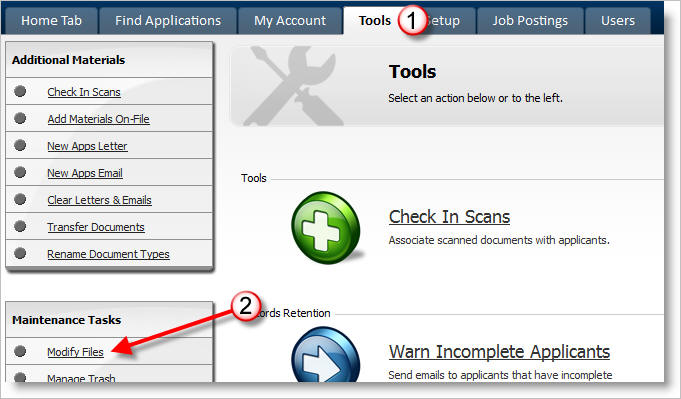
1) Click on the Tools Tab
2) Click Modify Files
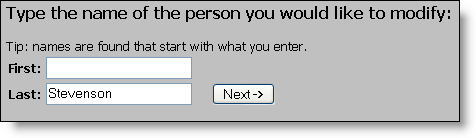
3) Enter the applicant's first or last name, and click the Next button.
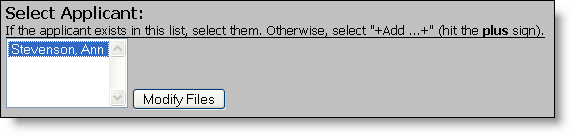
4) Select the appropriate applicant, and click Modify Files
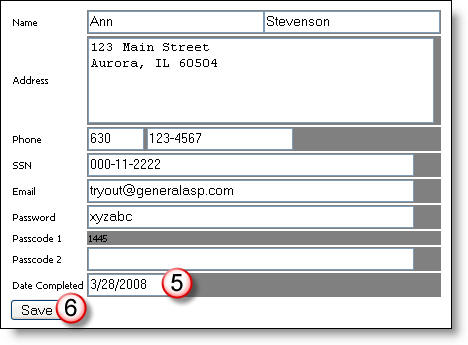
5) Enter the appropriate date.
6) Click Save.